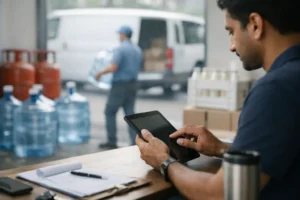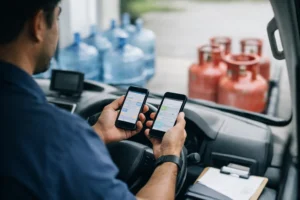
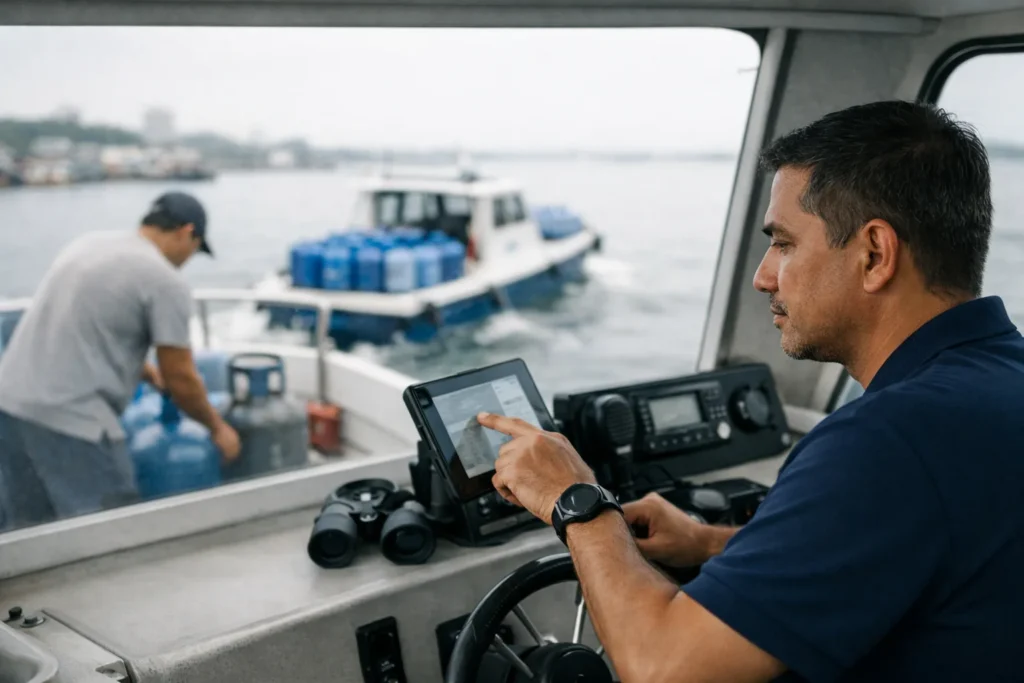
Delivery mapping software works best for water routes when it handles more than pins on a map. Water delivery often involves repeat customers, changing quantities, empty bottle collection, missed stops, driver reassignment, and proof of delivery. A standard navigation tool may guide a driver to an address, but it rarely gives dispatchers enough control over the full delivery cycle.
Water routes need operational context
A water route can look straightforward until the driver starts work. One customer may need four bottles instead of two. Another may pause service for the week. A business may be closed when the vehicle arrives, while a household may return fewer empty bottles than expected. These routine exceptions affect stock, customer records, and the sequence of remaining stops.
Suitable software should connect each mapped stop with relevant order details. Drivers need to see the customer name, location, quantity, payment status, delivery notes, and bottle return requirement in one place. Dispatch staff should be able to view route progress without repeatedly calling drivers.
For businesses reviewing dedicated water software, the connection between the map and the customer account deserves close attention. A clearly displayed route is useful, but a route connected to orders and container records gives the team far more practical control.
Features for daily routes
Real time delivery tracking helps dispatchers see where vehicles are and which stops drivers have completed. It also helps when a customer asks when the driver may arrive. The dispatcher can respond with current route information rather than contacting the driver and waiting for an update.
A rider app should let drivers open assigned routes, call customers, launch navigation, record delivered quantities, mark failed attempts, and capture proof of delivery. The screen should remain easy to use in bright sunlight and during a busy shift. If every stop requires several screens and repeated typing, drivers may postpone updates, leaving the office with an incomplete view.
Recurring order management is equally important. Many water customers receive scheduled deliveries on selected days. Delivery mapping software should create planned stops from active subscriptions while allowing staff to record pauses, quantity changes, and one time requests. This prevents the route planner from treating every delivery as a completely new order.
Tarsil combines tracking with operational automation through its mobile app. A combined system can be more practical than maintaining separate mapping, order, and driver record systems.
Bottle returns and billing
Returnable containers make water delivery different from many parcel operations. Drivers may leave full bottles and collect empty ones at the same stop. If the software records only the delivered quantity, staff may struggle to track container balances.
Look for a system that records full bottles delivered, empty bottles collected, damaged containers, and balances for each customer. Office staff should see these entries soon after drivers submit them. Clear records can reduce disputes and help warehouse teams understand what returned from each route.
Route billing must also reflect what happened at the door. A scheduled quantity may differ from the delivered quantity, and a failed visit should not appear as a completed order. Businesses discussing route billing should ask how the platform handles partial deliveries, customer credit, cash collection, and later corrections.
Choosing software for your area
The right choice depends on route density, order frequency, driver count, and local connectivity. A business serving apartment towers has different mapping needs from one covering widely separated homes or shops. Teams operating across Pakistan, the Gulf, or Africa may also encounter inconsistent address formats and areas with weak mobile data coverage.
During a demonstration, test the software with a real route rather than a polished sample. Add recurring customers, change an order after dispatch, record fewer returned bottles than expected, and reassign a stop to another driver. Then check what the dispatcher, driver, and office team can each see.
Pay particular attention to weak connection handling. Drivers should be able to view essential stop information when coverage drops and submit records once the connection returns. Also check permissions carefully. A rider may need customer contact details and assigned orders, while office staff may need broader access to route history, bottle balances, and delivery status.
The most useful delivery mapping software presents each stop as an operational task, including the address, order quantity, customer instructions, container movement, collection status, and completion record. Dispatchers can examine active routes while drivers record events at the point of delivery, including changed quantities or uncollected empty bottles.