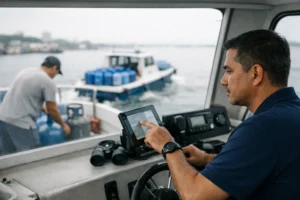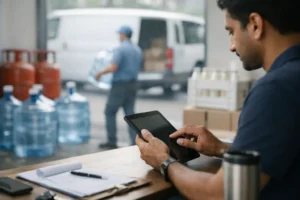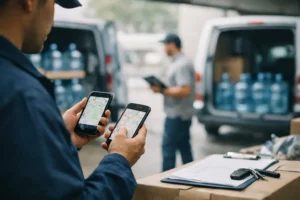
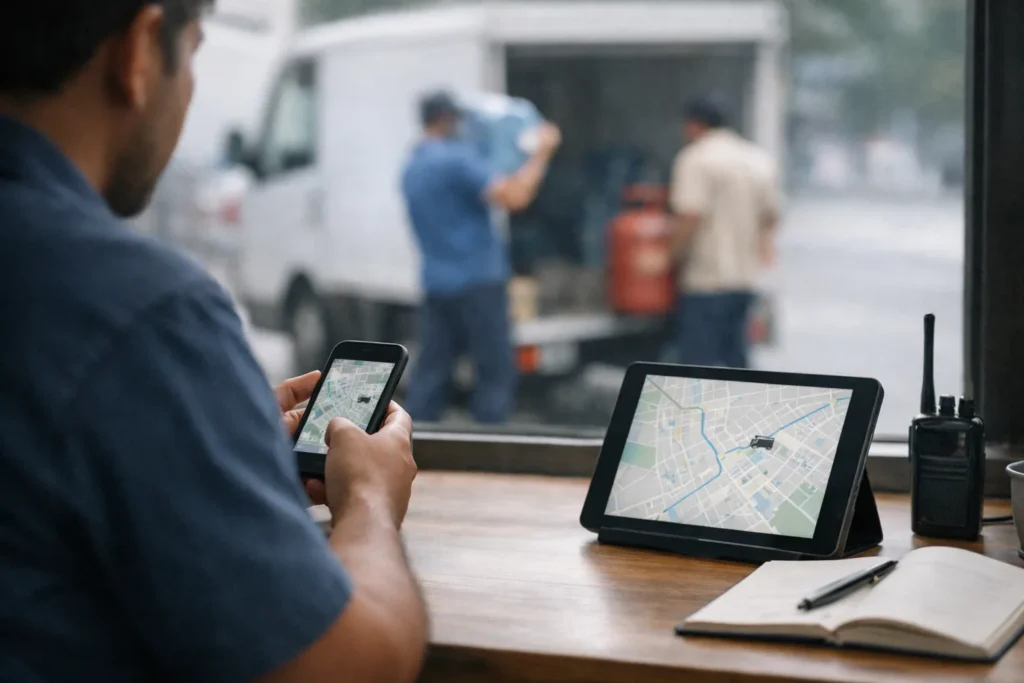
The best delivery tracker app for water delivery routes supports recurring orders, changing customer needs, driver visibility, and container records in one workflow. A basic location tracking tool may show where a vehicle is, but it may not tell a dispatcher whether the correct bottles were delivered, empty containers were collected, or a customer requested a different quantity.
Water delivery businesses need more than a moving vehicle icon. They need a clear view of each route from dispatch through completed delivery, with enough detail to answer customer questions and keep daily operations under control.
Water delivery route requirements
Many water delivery customers follow recurring schedules. Some receive bottles every week, while others call when their supply runs low. Routes can change when a customer is unavailable, requests an additional bottle, or moves delivery to another day.
A suitable app should let dispatchers create and update routes without losing the original order details. Drivers should see the customer name, address, contact details, requested quantity, and delivery instructions on one screen. If a stop changes, the driver should receive the updated information promptly.
Returnable containers add another requirement. When a business exchanges full bottles for empty ones, the app should record both quantities. This gives office staff a clearer record when a customer questions their container balance.
Look beyond GPS tracking
Real time delivery tracking is useful, especially when dispatchers manage several vehicles. However, GPS tracking alone does not provide enough context. A vehicle may be parked near a customer, but that does not confirm that the order was completed.
Look for proof of delivery features, such as a customer signature, photograph, timestamp, status update, or driver note. The right method depends on how your business operates and what customers expect. Each record should remain connected to the individual order rather than appearing in a separate message thread.
Customer notifications can also reduce repeated calls to the dispatch office. An app may send an update when an order is assigned, when the driver is nearby, or when delivery is completed. Before relying on this feature, check whether staff can control which messages are sent and whether the system protects customer contact information.
Route planning for dispatchers
Route planning software should help dispatchers arrange stops in a practical order while still allowing human judgment. A dispatcher may know that a school closes early, a building restricts access during certain hours, or a customer prefers morning delivery. The app should make these instructions visible instead of treating every stop as interchangeable.
Tarsil combines tracking with operational workflows.
Businesses that operate in areas with inconsistent mobile coverage should also test what happens when a driver loses internet access. Can the driver still view assigned stops? Are completed deliveries stored and uploaded when the connection returns? These questions matter for last mile delivery because a route should not become unusable when network conditions change.
Test the app during a normal day
A product demonstration can appear clear when it uses a few sample orders. A better test involves a normal route with recurring customers, late requests, missing empty containers, address corrections, and unsuccessful delivery attempts.
Ask a driver to use the delivery tracker app while a dispatcher monitors progress. Check how long it takes to open the next stop, call a customer, change an order status, and record proof of delivery. Small delays across dozens of stops can frustrate drivers and create avoidable delays.
The office view deserves the same attention. Fleet management tools should make it easy to identify pending, completed, skipped, and rescheduled stops. Search should help staff locate an order using practical details, such as the customer name, phone number, route, or delivery date.
Access controls also matter. Drivers may need customer and route information, while managers may need broader operational records. The app should let each role view the information required for its work without exposing unrelated customer data.
Finally, review how the system records changes. If a staff member edits a quantity or marks a delivery as unsuccessful, the activity history should show who made the change and when. A dispatcher should also be able to open a completed stop and view its timestamp, driver note, container count, and attached proof of delivery.